
Facebook Conversions API for Music Schools: A Plain Guide
Facebook Conversions API for Music Schools: A Plain Guide
Facebook Conversions API (CAPI) is a way for your own website or booking system to tell Meta, from the server, that a lead or enrolment happened. It does this instead of relying only on a browser pixel that ad blockers and slow pages can stop. For a music school, that means Meta sees more of the trial bookings and sign-ups your ads actually produce, and it can then find more people like them. You don’t need to be a developer to benefit. You need to know which events matter, how to stop them being counted twice, and how to respect consent. If you’d rather have the ads, lead capture and follow-up built for music teachers from day one, that is what our All-In-One Marketing System is designed for.
TL;DR
- CAPI sends conversion events from your server to Meta. It works alongside the Meta Pixel, not instead of it.
- For a music school, track the steps that lead to money: lead, trial lesson booked, enrolment, course purchase. Page views are not enough.
- Every event sent by both Pixel and server needs the same event name and the same event ID, or Meta may count it twice.
- In the UK, tracking cookies need the visitor’s consent, and server events should follow the same choice.
- Start small: three or four events, tested in Events Manager, beat a dozen events nobody checks.
Table of Contents
- What Conversions API actually does
- Which events a music school should track
- How to set it up, step by step
- Consent and privacy: what UK schools need to check
- Using the data to fill your timetable
- The word-of-mouth trap and why tracking beats hope
- Where Music Teacher Pros fits
- Perspective
- FAQ
- Sources
What Conversions API actually does
The Meta Pixel is a small piece of code on your website. When someone fills in your trial lesson form, the pixel fires in their browser and tells Meta. The trouble is that browsers can block it, pages can fail to load fully, and people close tabs early. Every lost event is a sign-up Meta never hears about.
Conversions API sends the same information from your server instead. Meta recommends running it alongside the Pixel, so that browser and server signals back each other up, and it can also carry events the browser never sees, such as something that happens later or offline.
Think of it as a math problem rather than a mystery. If Meta only sees seven of your ten enquiries, it optimises your ads using a skewed picture. Give it all ten and it has more to learn from. That is the whole case for CAPI.

Why it matters more for a small teaching business
A big brand can burn budget while Meta figures things out. You can’t. If you spend £5 to £15 a day on ads to fill a handful of lesson slots, every missed conversion makes up a large share of your data. Cleaner data means the algorithm finds parents and adult learners who actually book, not just people who click.
Which events a music school should track
The most common mistake is stopping at the page view. A page view tells Meta that someone looked. It says nothing about whether they became a student. Map your real journey to Meta events instead.
| What happens | Meta event to use | Why it matters |
|---|---|---|
| Visitor lands on your lessons page | ViewContent | Shows interest and builds a retargeting audience |
| Parent or adult learner submits an enquiry or trial form | Lead | Your main early signal for ad optimisation |
| Trial lesson booked in your calendar | Schedule | A stronger signal than a raw enquiry |
| First term or monthly lessons paid for | Purchase | The outcome that pays your bills |
| Online course bought | Purchase (with the value) | Lets Meta optimise for revenue, not just clicks |
The event names above are Meta’s standard events. Music-focused guides map a captured email or pre-save to the Lead event and recommend a landing-page view event plus your real outcome. The same logic carries over to lessons: view, lead, then the outcome you care about.
Start with three events
If you run a studio on your own, send three: Lead, Schedule (trial booked) and Purchase. That gives you a funnel you can read. Add more only when you know what you’ll do with them.
Events for online courses
If you sell digital courses, the useful events go past the sale. Course platforms show the pattern: a new enrolment can trigger a conversion event so campaigns optimise for real enrolments rather than page visits, and a completed course can trigger another to build an audience of graduates you can offer a follow-up course or coaching to.
For a music teacher that could mean:
- Purchase when someone buys your beginner guitar course.
- A custom event such as “FirstLessonWatched” for people who actually start.
- A custom event such as “CourseCompleted” for graduates you’ll invite into your next programme.
The sales page matters too. If you’re drafting the copy yourself, an AI writing tool review can help you compare options for speeding up the first draft. Tracking tells you how a page performs, but the page still has to be worth reading.
How to set it up, step by step
There are three common routes. You pick the one that fits your website, not your ambition.
Step 1: Get the Pixel working first
Create a Pixel in Meta Events Manager and install it on your site. Check that your Lead and Purchase events fire when you submit a test form. If the Pixel is broken, CAPI will just send more broken data from the server.
Where it goes wrong: installing the Pixel on the homepage only. The thank-you page after a booking is where the Lead or Schedule event should fire.
Step 2: Choose how the server events get sent
- Built-in integration. Many website builders, booking tools and course platforms have a Meta integration that sends server events for you. This is the lowest effort route and the right one for most teachers.
- Conversions API Gateway. The Gateway acts as a middle layer that routes events to Meta without custom code, which helps if your platform has no native option.
- Custom code. A developer sends events directly from your own server. Only worth it if you run a bespoke booking system.
If you go the custom route, treat your access token like a password. Store it in an environment variable and never hard-code it in anything public.
Step 3: Give every event a name and an ID
This is the step people skip, and it is why reports show doubled numbers. Each time the same booking is sent from both the browser and the server, Meta needs to recognise them as one. Meta matches events on their name and ID: the Pixel’s eventID must equal the Conversions API’s event_id, and the event names must match too.

In practice: when a parent submits your trial form, generate one unique ID, such as a booking reference. Send it with the Pixel event and with the server event. Same name, same ID, counted once.
Step 4: Send enough detail to be matched
Meta needs to link the event to a real Facebook or Instagram user. That is what the Event Match Quality score in Events Manager reflects. You can improve it by sending a hashed email, a phone number if you collect one, and the _fbc and _fbp browser values with each server event. Hashing means the details are scrambled before they leave your site.
Only send what you collected with a lawful basis. A short form that asks for name, email and the instrument is usually enough.
Step 5: Test before you spend
Open Events Manager, use the Test Events tool, submit your own enquiry and watch for two things: the event arriving from both sources, and the two being merged. Confirming the server event ID matches the Pixel event ID is the check that catches most problems.
Common faults and fixes:
| Symptom | Likely cause | Fix |
|---|---|---|
| Leads doubled in reports | Missing or mismatched event ID | Send the same ID and name from Pixel and server |
| Server events not showing | Wrong access token or Pixel ID | Regenerate the token and recheck the Pixel ID |
| Low match quality | Too little customer data sent | Add hashed email, phone and the browser values |
| Purchase has no value | Value field not passed | Send the amount and currency, for example GBP |
Consent and privacy: what UK schools need to check
Sending events from a server does not change what your visitor agreed to. If someone refused tracking cookies on your site, your server shouldn’t quietly report them to Meta. Pixel and server events should both follow the visitor’s consent choice.
In the UK, the ICO’s guidance on the Privacy and Electronic Communications Regulations is clear on the basics: you must tell people about cookies, explain what they do, and get consent before storing them on a device. The same rules apply to other technologies that store or access information on a device. The rules differ by country, so if you teach online to students abroad, check the local requirements too.
Practical checks:
- Use a cookie banner that lets visitors say no as clearly as yes.
- Fire the Pixel only after consent is given.
- Make your server events respect the same choice, so a refusal on the site means no event is sent.
- Keep your privacy policy up to date and say that you use Meta for advertising.
If your school handles children’s details, as many do when parents book for a child, be especially careful about what you send. Collect only what you need and take advice from a data protection professional if you’re unsure about your own set-up.
Using the data to fill your timetable
CAPI is only worth the effort if you change what you do with the numbers. Three moves matter most.
Judge ads by outcomes, not enquiries
A cheap lead that never books a trial is a bad lead. Once you have a few weeks of trial bookings and enrolments flowing, compare ads by cost per booked trial and cost per paying student. Guidance on this suggests switching optimisation toward quality outcomes once enough downstream events are coming in, and expecting an initial learning phase while the cost per lead can rise before the cost per qualified lead improves. Give it time and don’t change settings daily.
Build audiences from your real students
With clean events you can create audiences of people who enquired, booked or enrolled. Use them to retarget enquiries who went quiet, to build lookalike audiences of people similar to your best students, and to exclude existing students so you stop paying to advertise to them.
Do the sums every month
Write down four numbers: ad spend, enquiries, trial bookings and new students. Divide spend by new students. That is your cost to acquire a student. Compare it with what a student pays you over a year. If a student stays for ten months at your monthly fee, you know how much you can afford to spend to win one. That is business maths, not a dark art.
The word-of-mouth trap and why tracking beats hope
Most teachers fill their timetable by referral and then wonder why it dries up in September or after a family moves away. Waiting for a miracle isn’t a plan. Paid ads with proper tracking turn student intake into something you can tune like a gear: spend more when the numbers work, change the message when they don’t.
But tracking is only one part of the machine. Someone also has to build the ads, the landing page, the follow-up messages and the booking flow that gives your tracking something to measure. That is where many teachers stall. They spend a month wrestling with Events Manager and still haven’t got an ad live.
Where Music Teacher Pros fits
Music Teacher Pros offers a marketing system designed for music educators: pre-built Facebook ad campaigns, lead capture and follow-up automation, SEO-optimised websites, payment and calendar integrations, and online course launch frameworks. It comes with ongoing coaching and a community of other music teachers, so you aren’t working it out alone. Our approach is built around automation and plug-and-play templates, so you can concentrate on teaching rather than technical set-up.
If your goal is more students in your studio or more sales of your online courses, the All-In-One Marketing System puts the ads, lead capture and follow-up in one place.
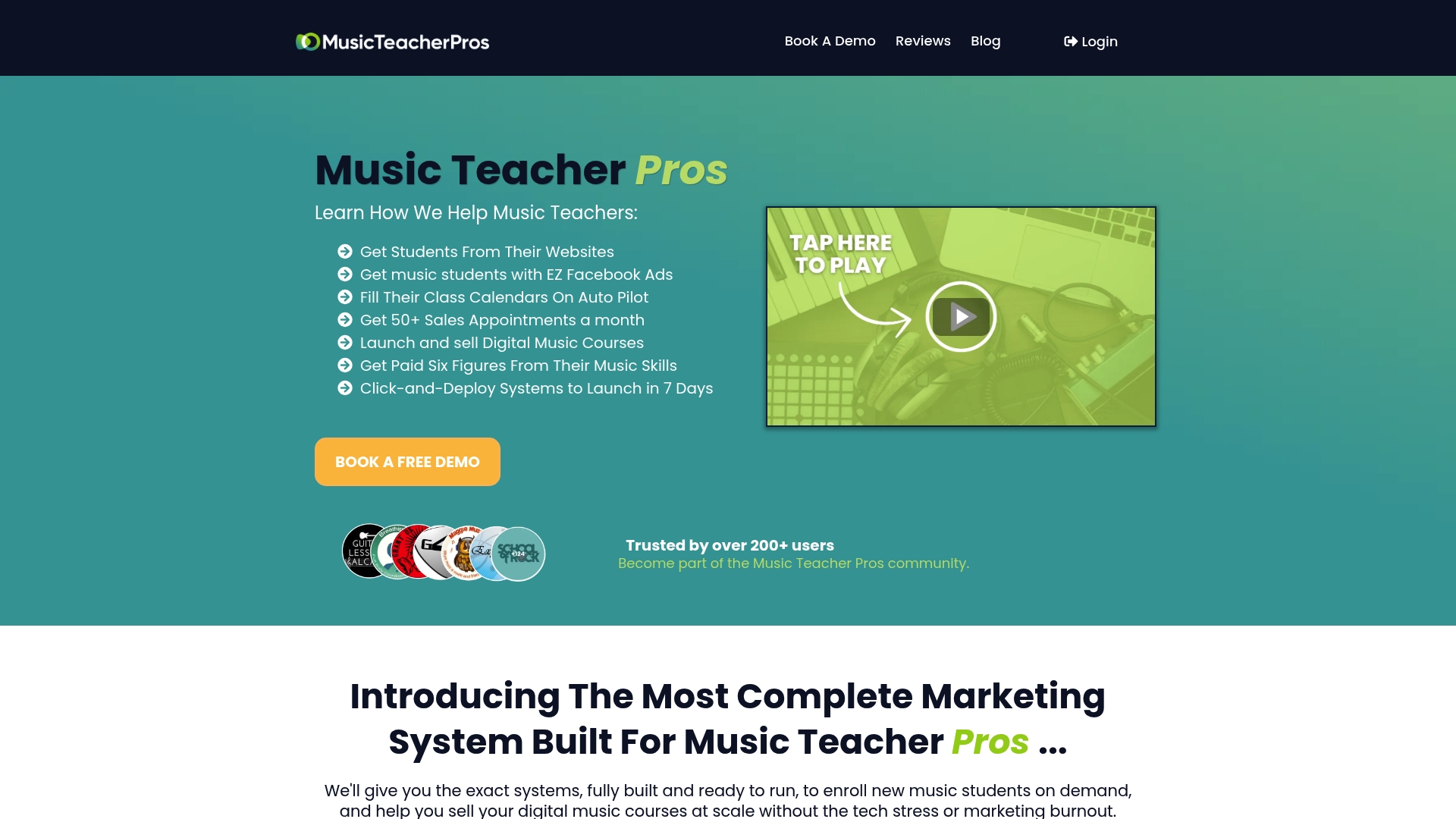
Music teachers who have been through our programme have been part of helping over 50,000 students worldwide. You can see how the system works on the Music Teacher Pros site.
Perspective
We talk to music teachers every week who are stuck in the same loop: a full timetable one term, three empty slots the next, and no idea why.
Our view is simple. Tracking is a tool, not a strategy. Conversions API matters because it gives you an honest count of what your ads produce, and an honest count lets you make calm decisions instead of panicked ones. But a perfect tracking set-up on top of a weak offer, a slow follow-up or a confusing website still gets you nowhere.
That is why we built the Music Teacher Pros system as one connected machine: ad campaigns made for music teachers, automation that captures and follows up with every enquiry, a website that is built to be found, and coaching from people who understand teaching. You shouldn’t need to become a marketing technician to fill your schedule. You should be teaching.
If you’re serious about turning teaching into a stable, growing business, start with one system and work it, rather than five tools that don’t talk to each other.
Liam
FAQ
Do I need Conversions API if I already have the Meta Pixel?
The Pixel still works, but it can miss events when browsers block it or pages load slowly. Conversions API sends the same events from your server, and Meta recommends running both together. For a small studio relying on a few sign-ups a week, each recovered event makes a visible difference.
Is Conversions API a way to track people who said no to cookies?
No. Server events should follow the visitor’s consent choice just like Pixel events. Under UK rules you need consent before storing cookies on someone’s device, and sending data from a server doesn’t change what the visitor agreed to. Use it to get an honest count of consenting visitors, not to bypass their choice.
Which events should a music teacher send first?
Start with Lead for enquiry forms, Schedule for booked trial lessons and Purchase for paid lessons or course sales. Pass the value and currency on Purchase so Meta can optimise for revenue. Add custom events, such as a first lesson watched, once the basics are tested.
Why are my leads showing twice in Ads Manager?
Usually the Pixel and server are both reporting the same booking without a shared event ID. Send the same event name and the same unique ID from both, then check Events Manager’s Test Events tool to confirm they merge into one.
Sources
- Handling Duplicate Pixel and Conversions API Events, Meta for Developers
- Cookies and similar technologies, ICO
- Facebook Conversions API, Zeotap documentation
- Meta Pixel and Conversions API Setup, Creahive
- Facebook Conversions API Setup Guide 2025, Audiencelab
- Facebook Conversions Integration, Teachfloor
- Meta Conversions API for Music Campaigns, Dynamoi
- Meta Conversions API Tracking: Complete Guide (2026), Adwizly
- Como configurar a Meta Conversions API Gateway, Nexus Data Science
- Meta Limited Data Use in 2026, Audit Socials
- Frase.io review and offer, Techfin2k