
Best website builders for small businesses in 2026
Best website builders for small businesses in 2026
TL;DR:
All-in-one website builders like Wix and Music Teacher Pros are ideal for small businesses seeking control without coding. Music teachers benefit most from managed, integrated systems such as Music Teacher Pros that handle bookings, marketing, and payments automatically. Choosing the right platform depends on whether your primary need is product sales, service bookings, or a portfolio, with cost and features guiding your decision.
For most small businesses and independent professionals, the fastest path to a working, high-converting site is an all-in-one website builder. For music teachers specifically, a managed, vertical marketing system is usually the stronger move. Here is the short version before we go deeper.
Category winners at a glance:
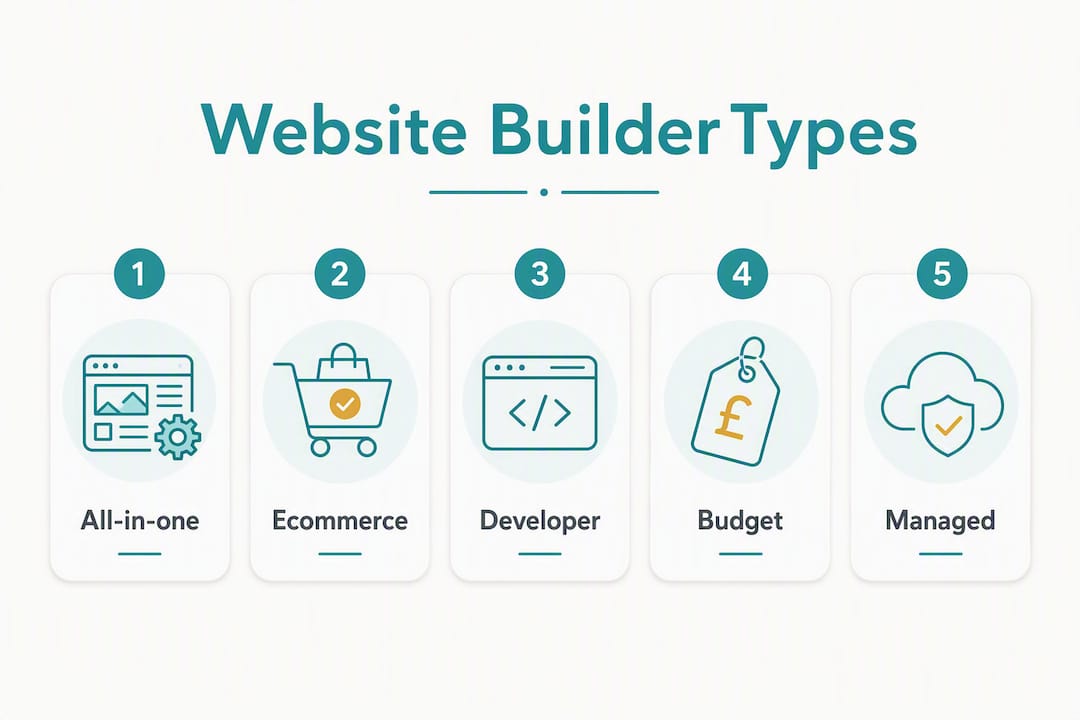
All-in-one (best overall): Platforms like Wix sit in this category. Large template libraries, built-in marketing tools, and a drag-and-drop editor make them the go-to for small business owners who want control without hiring a developer.
Ecommerce-first (best for online stores): Shopify leads here. Native sales features, POS support, and fulfilment tools make it the right call when you are shifting serious product volume.
Developer/designer platforms: Webflow and self-hosted WordPress.org give designers and developers the creative control they need, at the cost of a steeper learning curve.
Budget/value: Hostinger Website Builder and Zyro offer low entry prices and solid templates for anyone starting lean.
Managed vertical service (best for music teachers): Musicteacherpros is the recommended option for music educators. It combines an SEO-optimised site with pre-built ad campaigns, booking and payment integrations, and ongoing coaching, so you spend your time teaching, not tinkering.
Table of Contents
Which website builder fits your use-case?
Expert roundups consistently recommend by category rather than naming a single universal winner, because the right platform depends almost entirely on what you are trying to do. Here is how common use cases map to the right approach.
Small business (service-based): An all-in-one builder covers most needs. You get templates, basic SEO, and contact forms without needing a developer. Wix and Squarespace both sit here; Wix edges ahead for onboarding ease, while Squarespace tends to suit portfolio-heavy creative businesses.
Ecommerce (product sales): Go ecommerce-first. Shopify’s native checkout, inventory management, and payment gateway support (including Stripe and PayPal, both widely used in the UK) are built for selling at scale. All-in-one builders can handle a small shop, but they hit a ceiling quickly.
Blog or content site: WordPress.com or a self-hosted WordPress.org install is the standard choice. The content management system is mature, the plugin ecosystem is vast, and SEO control is deep.
Freelancer or portfolio: Squarespace’s grid-based editor and polished templates make it a natural fit. The structured layout keeps things looking professional without much effort.
Budget start: Hostinger Website Builder or Zyro get you live quickly at a low monthly cost. Weebly (now part of Square) is another option, though its development has slowed since the acquisition.
Music teacher or music school: A DIY builder is not the right tool here. You need bookings, payment processing, lead capture, and student marketing working together from day one. Musicteacherpros is purpose-built for this. It handles the site, the ads, and the follow-up automation, so you are not piecing together five separate tools. Free-tier-only solutions are a particular trap for lesson-based businesses: they almost always restrict the booking and payment integrations you actually need.
How do the top builders compare side by side?
Reviewers with 300+ hours of platform testing consistently flag the same decision dimensions: price (real cost, not headline price), ease of use, ecommerce capability, design flexibility, and UK payment support. The table below uses category labels rather than brand names so you can see the trade-offs clearly.
DimensionAll-in-oneEcommerce-firstDeveloper platformBudget/valueManaged vertical serviceBest forSmall business, servicesProduct sellersDesigners, developersLean startersMusic teachers, lesson businessesTypical real monthly cost£12–£30£25–£70+£15–£50+ (hosting extra)£3–£12Subscription (onboarding + monthly)Ease of useBeginner-friendlyModerateAdvancedBeginnerGuided/managedEcommerceBasic to moderateFull-featuredVariesBasicBookings + payments built inDesign/templatesLarge librarySales-focusedFull customLimitedNiche-optimisedSEO & marketing toolsBuilt-inStrong for product SEOManual setupBasicPre-built ad campaigns includedUK payment gatewaysStripe, PayPalStripe, PayPal, moreDepends on pluginStripe, PayPalStripe, PayPal, calendar integrationsScalabilityModerateHighHighLowGrows with coaching supportSupportChat, email—Community, docsEmailCoaching + communityAI featuresAI site assistantsAI product descriptionsLimitedBasic AIAutomation built in
Pro Tip: Headline prices are almost always the cheapest plan stripped of the features you actually need. Add up the real cost: booking tools, email marketing, transaction fees, and any payment gateway charges. A £5/month plan that needs a £20/month booking add-on is a £25/month plan.
Short reviews: what each category does best
All-in-one builders (Wix, Squarespace, GoDaddy Website Builder)
ZDNET’s editorial comparison found that Wix’s onboarding and editor design make it preferable for small business sites, while Squarespace is stronger for portfolio and creative use. GoDaddy Website Builder sits in the same category but leans harder on speed-to-live over design depth. All three give you a WYSIWYG editing experience, meaning what you see on screen is what your visitors see, which removes the guesswork for non-technical users.
Pros:
Large template libraries reduce design time
Built-in marketing tools (email, SEO, social) cut the need for third-party apps
UK payment gateways (Stripe, PayPal) supported across paid plans
VAT display settings available on ecommerce tiers
Cons:
Drag-and-drop editors carry a higher learning curve and a real risk of spending hours on layout rather than running your business
Transaction fees apply on lower-tier plans
Migrating away is painful once you are locked in
Pricing snapshot: Paid plans typically run £12–£30/month. Email marketing, booking tools, and removing transaction fees usually require a higher tier or a paid add-on.
Who it’s for: Small business owners, service providers, and anyone who wants a professional site without hiring a developer. UK users should check that their chosen payment gateway is available on the plan they actually intend to buy, not just the premium tier.
Ecommerce-first builders (Shopify)
Ecommerce-focused builders are the right call for high-volume product sellers. Shopify’s native checkout, inventory management, POS integration, and omnichannel sales tools are built for scale in a way that all-in-one builders simply are not. The trade-off is cost: transaction fees apply unless you use Shopify Payments, and the monthly outlay climbs quickly once you add apps.
Pros:
Full-featured checkout with Stripe and PayPal support in the UK
POS and omnichannel tools for physical and online selling
Large app marketplace for fulfilment, marketing, and subscriptions
Cons:
Transaction fees on third-party payment gateways
Monthly cost rises steeply with apps
Overkill for service businesses with no physical products
Pricing snapshot: Core plans run roughly £25–£70+/month before apps. UK sellers should factor in Shopify Payments availability and any card processing fees.
Who it’s for: Product-led businesses selling at volume. If you are running a music shop alongside lessons, Shopify handles the product side. For the lessons themselves, you still need a separate booking and marketing layer.

Developer and designer platforms (Webflow, WordPress.org)
Webflow gives designers pixel-level control through a visual editor that outputs clean code. Self-hosted WordPress.org, the open-source content management system, powers a huge proportion of the web and offers an enormous plugin ecosystem, including GDPR cookie compliance tools relevant for UK businesses operating under UK GDPR.
Pros:
Maximum design and functionality flexibility
Deep SEO control
Vast plugin/integration options (WordPress.org)
Cons:
Hosting, security, and maintenance are your responsibility on self-hosted installs
Steep learning curve for non-developers
Time cost is high: you are effectively running a small IT project
Pricing snapshot: Webflow plans start around £15–£50+/month. WordPress.org is free software, but hosting, premium themes, and plugins add up to £15–£40+/month for a properly maintained site.
Who it’s for: Designers, developers, and businesses with technical resource in-house. Not a sensible choice for a music teacher who wants to focus on students.

Budget/value builders (Hostinger Website Builder, Zyro, Weebly)
Hostinger Website Builder and Zyro offer low entry prices and AI-assisted site creation. Weebly, now owned by Square, has a straightforward drag-and-drop interface and is worth considering for very simple sites, though its development pace has slowed post-acquisition.
Pros:
Low monthly cost (often £3–£12/month)
Quick to get live
Suitable for simple brochure sites
Cons:
Free tiers include platform branding and restrict booking and payment integrations UK businesses need
Limited scalability
Marketing tools are basic
Pricing snapshot: Entry plans are genuinely cheap, but the integrations that matter for a real business (bookings, payments, email automation) usually require upgrading or adding third-party tools.
Who it’s for: Individuals or very early-stage businesses that need a simple online presence and are not yet selling or booking online. Not suitable as a long-term solution for a lesson-based business.
Managed vertical services (Musicteacherpros)
This category is different in kind, not just degree. Rather than giving you a blank canvas and a set of tools, a managed vertical service like Musicteacherpros delivers a pre-configured system built around a specific business type. The site, the ad campaigns, the booking flow, and the lead follow-up are already wired together. You are not building; you are launching.
Pros:
SEO-optimised site built for music teachers from day one
Pre-built Facebook and Google ad campaigns included
Booking, payment, and lead capture integrated
Ongoing coaching and community support
Cons:
Less design flexibility than a blank-canvas builder
Subscription model (onboarding fee plus monthly charge)
Specific to music educators; not a general-purpose tool
Who it’s for: Music teachers and music school owners who want to grow their student numbers without becoming part-time web developers or marketing managers.
How to choose the right website builder for your needs
The single most useful question to ask yourself before you look at any platform is this: am I selling physical products, services and lessons, or building a portfolio? Your answer narrows the field immediately.
Step-by-step decision checklist
Define your primary goal. Products → ecommerce-first. Lessons/services → booking and payment integration is non-negotiable. Portfolio → design-led all-in-one or developer platform.
List your must-have integrations. Booking calendar, payment gateway (Stripe or PayPal for UK users), email marketing, and any membership or course tools you need.
Calculate the real monthly cost. Take the plan price and add every add-on you actually need. Free plans and low headline prices often mask essential add-ons that push the real cost significantly higher.
Check UK-specific requirements. Does the platform support VAT display on product/service prices? Are Stripe and PayPal available on your chosen plan? Is customer support available during UK business hours?
Assess your available time. A flexible drag-and-drop editor gives you creative control, but practical testing shows it also carries a higher learning curve and the risk of spending disproportionate time on design rather than on your actual business.
Test during the free trial. Editorial guides recommend testing critical integrations during a free trial before committing. Set up a test booking, run a test payment, and check that your email capture works end-to-end.
Check export and backup options. Can you export your content if you want to leave? What is the backup and restore process? Platforms that make it hard to leave are a risk.
Red flags to watch for
Hidden transaction fees on the plan you can actually afford
No native booking integration (and the add-on costs extra)
UK payment gateways locked behind premium tiers
No GDPR cookie compliance tools (relevant for UK businesses under UK GDPR)
Platform branding on your site (a sign you are on a free or near-free plan)
No clear data export or site backup process
What to test during a free trial
Complete a test booking from a visitor’s perspective
Process a test payment through your preferred gateway
Check mobile responsiveness on your own phone
Verify that your contact form and lead capture actually deliver to your inbox
Review the SEO settings: can you edit page titles, meta descriptions, and image alt text?
When a managed service beats a DIY builder
The definition of ‘best’ depends entirely on whether you sell services or products. For service-led businesses, the priority is bookings, lead management, and conversion, not design flexibility. This is where the DIY vs managed comparison gets interesting.
DIY builder:
You build and maintain the site yourself
You source and connect booking, payment, and email tools separately
You create or commission your own ad campaigns
You troubleshoot integrations when they break
Time cost: ongoing, unpredictable
Managed vertical service (Musicteacherpros):
Site, booking, payments, and marketing are pre-integrated
Pre-built Facebook and Google ad campaigns are ready to deploy (see Facebook vs TikTok ads for context on which channels work for music teachers)
Missed call text-back and lead follow-up automation run without manual effort
Coaching and community support are included
Time cost: front-loaded onboarding, then largely automated
The cost trade-off is real but worth examining honestly. A DIY setup might look cheaper on paper, but factor in the hours spent building, maintaining, and troubleshooting, and the picture shifts. For a music teacher charging £40–£60 per lesson hour, even five hours a month spent on website maintenance represents £200–£300 in lost teaching time. A managed system that saves that time and brings in additional students pays for itself quickly.
Pro Tip: If your business runs on bookings and lessons, the most expensive thing you can do is spend your evenings fixing a booking widget. An integrated system that handles lead capture, follow-up, and payment processing is not a luxury; for a lesson-based business, it is the sensible infrastructure choice.
Musicteacherpros has supported many students worldwide through the music teachers on its platform, which gives you a sense of the scale at which this kind of integrated system operates.
Final verdict: one-sentence picks for every common need
Here is the short version. Pick the category that matches your situation and move.
Best for designers and developers: — Webflow for visual design control; self-hosted WordPress.org for maximum flexibility and plugin depth.
Best for music teachers: Musicteacherpros. The site, ads, bookings, payments, and coaching are already integrated. You teach; the system handles the rest.
Key takeaways
The single most important decision when choosing a website builder is whether your business runs on products or services, because that one answer determines whether you need ecommerce features or a booking-and-marketing stack.
PointDetailsCategory fit beats brand loyaltyChoose by use-case (products, services, portfolio) rather than by which platform has the most reviews.Real cost includes add-onsHeadline prices exclude booking tools, email marketing, and transaction fees; always calculate the full monthly outlay.Free tiers rarely support growthFree plans restrict the booking and payment integrations UK lesson businesses need; upgrade before going live.Test integrations before committingRun a test booking and payment during the free trial; broken integrations discovered after launch cost time and students.Musicteacherpros for music teachersMusic educators get an integrated site, ad campaigns, bookings, and coaching in one system, without building it themselves.
Why the “best builder” question misses the point for music teachers
Most website builder comparisons are written for people who want a blank canvas. That is a reasonable thing to want if you are a graphic designer, a product retailer, or a blogger. But if you are a music teacher trying to fill your schedule, the blank canvas is the problem, not the solution.
The real question is not “which builder has the best templates?” It is “which system will bring me students, take their bookings, collect their payments, and follow up with the ones who enquired but did not book?” Those are four separate gears, and most DIY builders only give you one of them out of the box.
What I see repeatedly is music teachers spending weeks building a site that looks decent, then realising they have no booking system, no way to run ads, and no automated follow-up when someone fills in the contact form. So they bolt on a booking tool, then a payment processor, then an email sequence, and suddenly they are managing a small tech stack instead of a teaching business.
The platforms in this article are genuinely good at what they do. Wix and Squarespace are solid for small businesses. Shopify is excellent for product sellers. Webflow is a designer’s tool. But for music teachers, the better question is whether you want to spend your time building and maintaining infrastructure, or whether you want a system that is already tuned for your specific job. An integrated marketing and booking system built for music educators is not a compromise; it is a more honest answer to what you actually need.
Musicteacherpros: the ready-built system for music teachers
Most website builders give you the tools and leave you to figure out the rest. Musicteacherpros is the alternative for music teachers who want a system that is already working when they arrive.
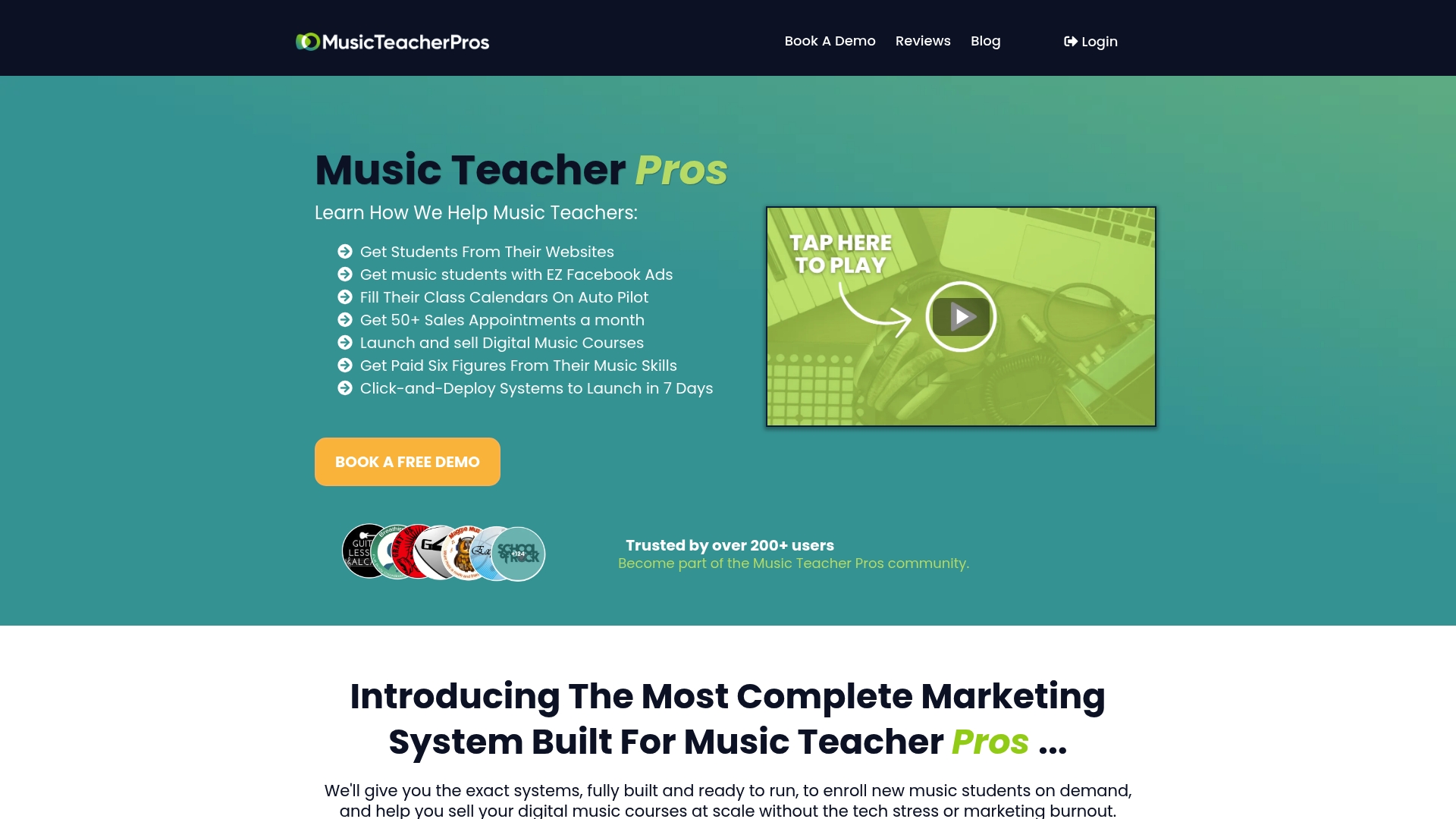
Where a DIY builder gives you a template, Musicteacherpros gives you an SEO-optimised site, pre-built Facebook and Google ad campaigns, automated lead capture and follow-up, and booking and payment integrations, all configured for a music teaching business. The coaching and community support mean you are not troubleshooting alone at 10pm.
What you get:
SEO-optimised website built for music teachers
Pre-built ad campaigns (Facebook and Google) ready to deploy
Booking, payment, and calendar integrations
Automated lead capture and follow-up sequences
Ongoing coaching and access to a community of music educators
If you are ready to stop building and start teaching, see how Musicteacherpros works and find out whether it fits your situation.
Useful sources
The following sources were used as references for this article.
Wix vs. Squarespace: I compared two of the top website builders, and this one wins — ZDNET editorial comparison covering onboarding, editor design, and audience fit.
Wix vs Squarespace: Which Comes Out on Top in 2026? — Detailed feature comparison including templates, marketing tools, pricing, and 300+ hours of testing notes.
Wix vs. Squarespace: Which website builder is best? — Practical testing of editor styles and trade-offs between creative control and time cost.
GDPR Cookie Compliance plugin — WordPress.org — WordPress plugin for UK GDPR cookie compliance, relevant for self-hosted WordPress sites.
Weebly — Wikipedia — Background on Weebly’s history and its acquisition by Square.
WYSIWYG — Wikipedia — Definition and context for what-you-see-is-what-you-get editing interfaces.
Content management system — Wikipedia — Background on CMS platforms including WordPress.org.
Freemium — Wikipedia — Context for free-tier pricing models and their limitations for business use.
FAQ
What is the best website builder right now?
There is no single best option for everyone. All-in-one builders like Wix suit most small businesses, Shopify leads for product ecommerce, and Musicteacherpros is the strongest choice for music teachers who need bookings, payments, and marketing in one place.
Is Wix or GoDaddy better for a small business?
Wix generally offers more design flexibility and a larger template library, making it the stronger pick for most small business sites. GoDaddy Website Builder is faster to set up but trades depth for speed.
Is Wix really the best website builder?
Wix is one of the best all-in-one builders for small businesses, particularly for ease of use and built-in marketing tools. Whether it is the best for you depends on your use-case: for lesson-based businesses, an integrated system with booking and ad automation will outperform any general-purpose builder.
Can ChatGPT build me a website?
ChatGPT Sites can generate and publish simple interactive sites quickly from within the ChatGPT environment, but they are designed for rapid prototypes rather than full-featured, scalable business sites. For a serious business site with bookings, payments, and SEO, you need a dedicated platform.